Paper Paths
Draw a path. Test an idea. Find your own solution.
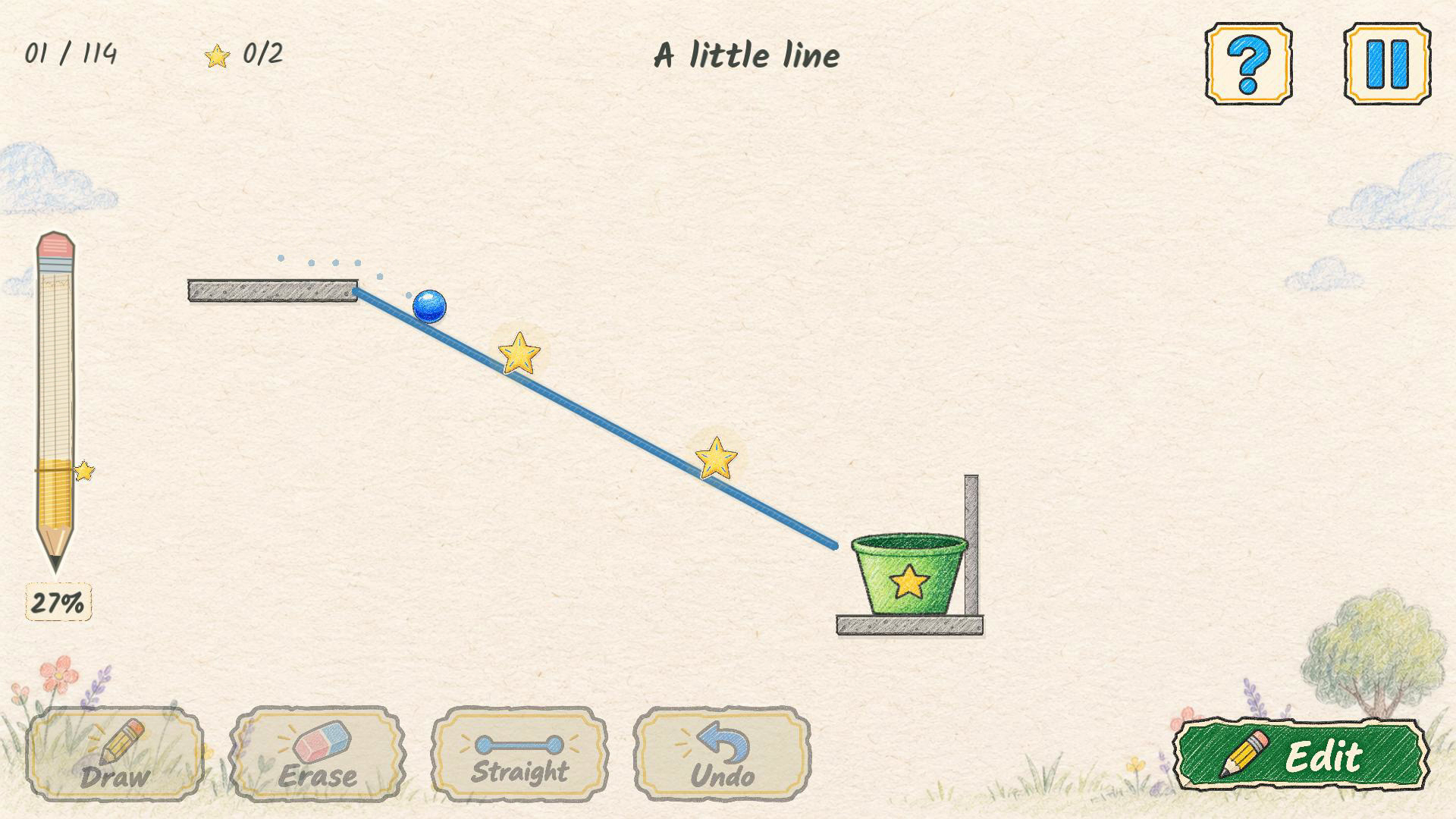
Paper Paths is a drawing and physics puzzle game on hand-illustrated paper. Sketch ramps and bridges, then release the marble and guide it into its bucket. Every line becomes part of the puzzle.
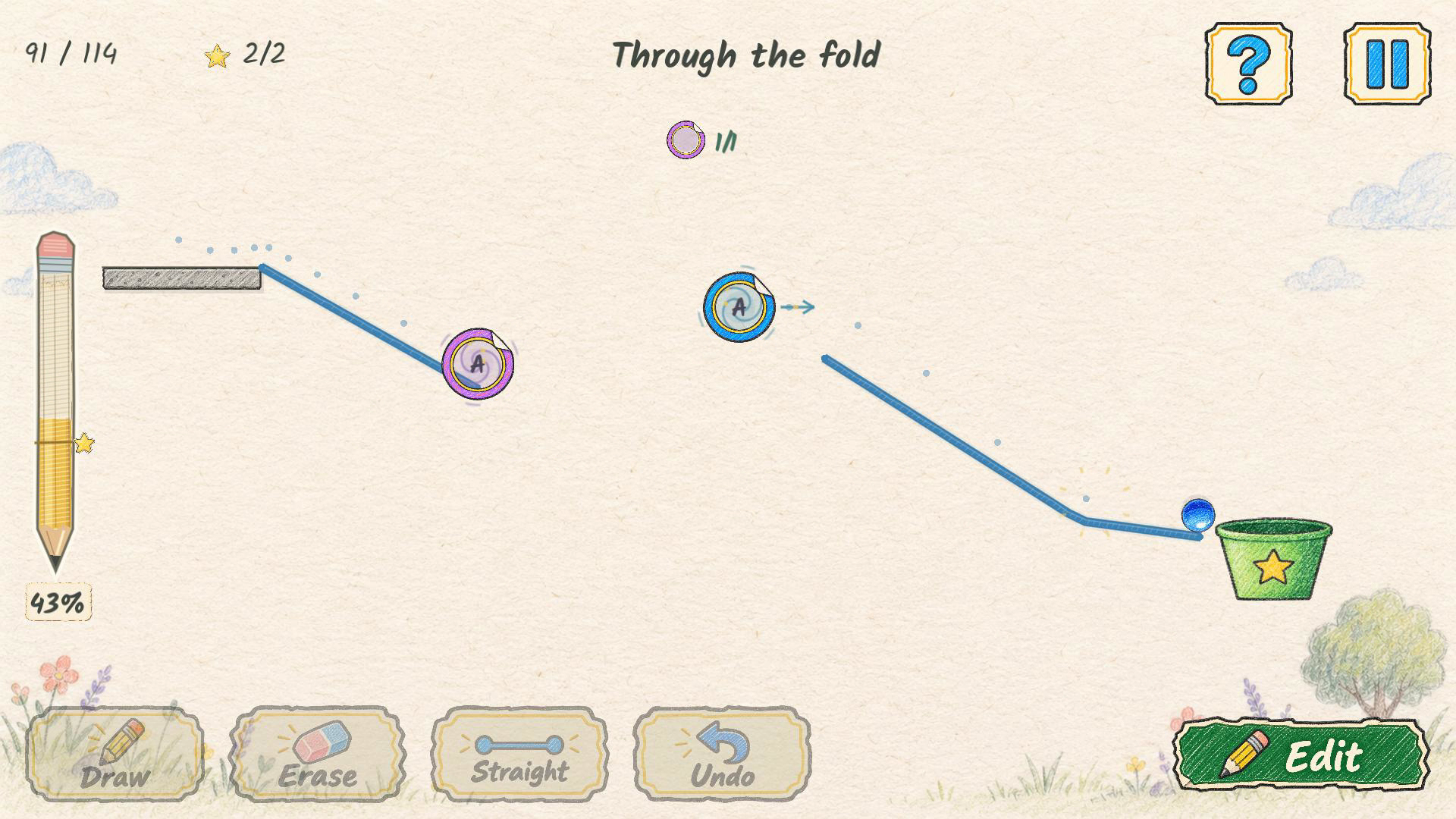
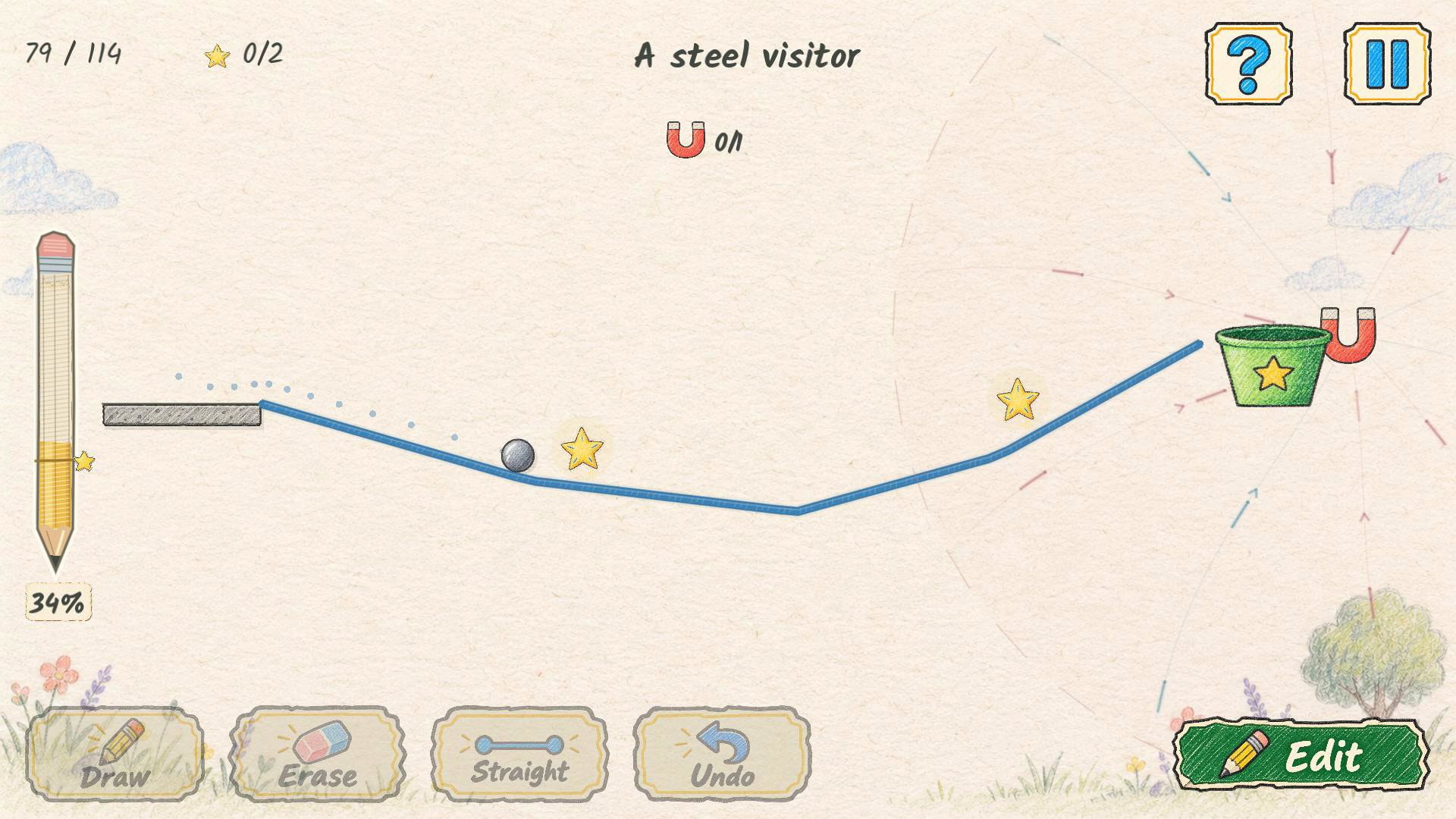
Explore 114 levels across nine chapters, with different materials, rulers, springs, balancing beams, wind, magnets and portals. Collect optional stars and save pencil for an extra challenge. There is no timer while you build: erase, undo and retry as often as you like.
The itch.io edition is completely free and ad-free. All levels and visual guides are included, with no in-game purchases. Donations are optional and never unlock gameplay advantages.
Features
• 114 campaign levels and five playground levels
• 40 in-game achievements
• Free visual hints showing drawings and tool placement
• English, Brazilian Portuguese and Spanish
• Mouse and touch controls
• Progress saved locally in this browser
Controls
Click and drag, or use your finger, to draw. Use Draw, Straight, Erase and Undo to adjust your route. Press Go to test it and Edit to try again.
Space: test / edit. H: help. 1 / 2 / 3: Draw / Straight / Erase. Ctrl+Z or Cmd+Z: undo. Esc: pause or close a menu.
Your progress belongs to this browser and device. Clearing browser storage can remove it.
Enjoying the game? An optional donation helps support future updates. Thank you for playing!
Comments
Log in with itch.io to leave a comment.
Played the first three levels. The paper look is lovely, and I really like that the dotted trail from a failed run stays on screen after you hit Edit, so on "Three islands, two choices" I could see exactly where the marble overshot the bucket and redraw from there. Getting the bonus star for saving pencil is a nice extra nudge too.
Two small things from my run. A couple of my lines simply did not appear when I started drawing right next to a platform, and the only clue was "Draw outside the shaded areas", but I could not see any shading. A faint outline of the no-draw zone while you hold the mouse down would help a lot. Also on level 2 my first Straight drag did nothing, while freehand worked fine, so it may be worth checking how Straight handles a quick drag.
Thanks for playing and for the detailed feedback! I’m glad the dotted trail helped you refine your solution.
You’re right: “Draw outside the shaded areas” isn’t helpful when the blocked area isn’t visible. Your suggestion of a faint outline makes a lot of sense. I’ll also investigate the quick-drag behavior with Straight on level 2.
Thank you for playing!!